 Your reference
1
Bring your idea.
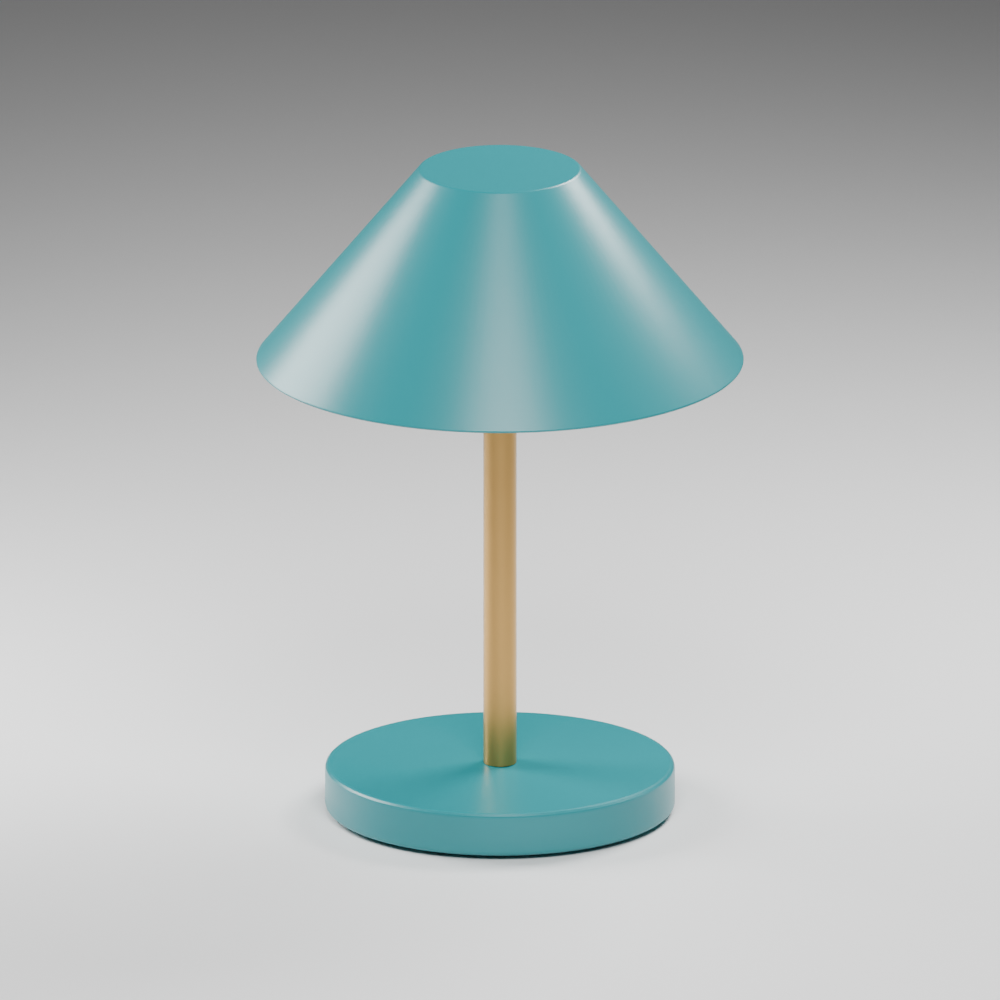
Choose what you want to make. Add a reference to give the tutor a visual direction.
 blenderassist
The idea is yours. The next move doesn’t have to be a mystery.
A scene-aware tutor inside Blender, guiding you from “I want to make this” to understanding what to do next.
Watch it in BlenderBuilt by a Blender beginner, for Blender beginners.
The learning loop
Less searching through menus.
More understanding what you’re making.
Your referenceChoose what you want to make. Add a reference to give the tutor a visual direction.
Specific actions and shortcuts, with the reason behind them. Work through a useful group of actions.
Automatic scene checks confirm progress. Flag a problem or choose what deserves attention next.
Inside Blender
The actual plugin. A nearly finished lamp.
Seven actions, checked as the scene changes.
Real plugin UI and automatic checks. Prepared, expert-assisted geometry; automated actions and a recorded model-response replay.
Made at the OpenAI hackathon
20 October 2026 · Stone & Chalk
Creative software should help you find your feet.
Blender Assist is a first step toward that.
Scene checks, grouped actions, visual context and learner feedback.
Next: more reliable reference matching and fewer repeated suggestions.
The recording demonstrates the actual plugin UI and seven automatic checks during a prepared finishing sequence. It does not prove a complete autonomous build from a reference. An independent end-to-end test exposed accuracy and repetition issues. Read the test report.